Paycard
Last updated: August 3, 2026
Paycards allow workers to get paid faster and have easier access to their funds. Once a worker completes paycard enrollment, a paycard is provisioned to them, and the paycard is now available as a disbursement method for an employee check or contractor payment (e.g. net pay is sent to the paycard). A worker can currently see their paycard details, see transaction history, and transfer funds to an external bank account through the whitelabeled mobile app.
Paycard Enrollment
Every worker that you wish to provision a paycard for must complete paycard enrollment. To include the paycard enrollment page in worker onboarding, you can choose the Paycard option when generating the onboarding link from the company admin dashboard page > People page.
You may also access the enrollment page at any time, even after onboarding, through a Shareable Link accessible in Paycard section on the worker profile page.
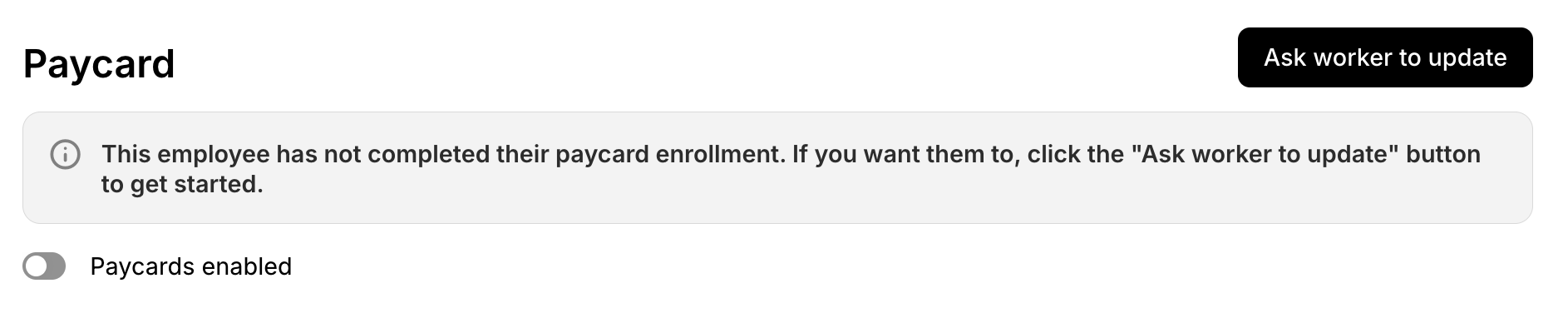
You can embed the onboarding or individual enrollment link as an iframe or webview in your existing app.
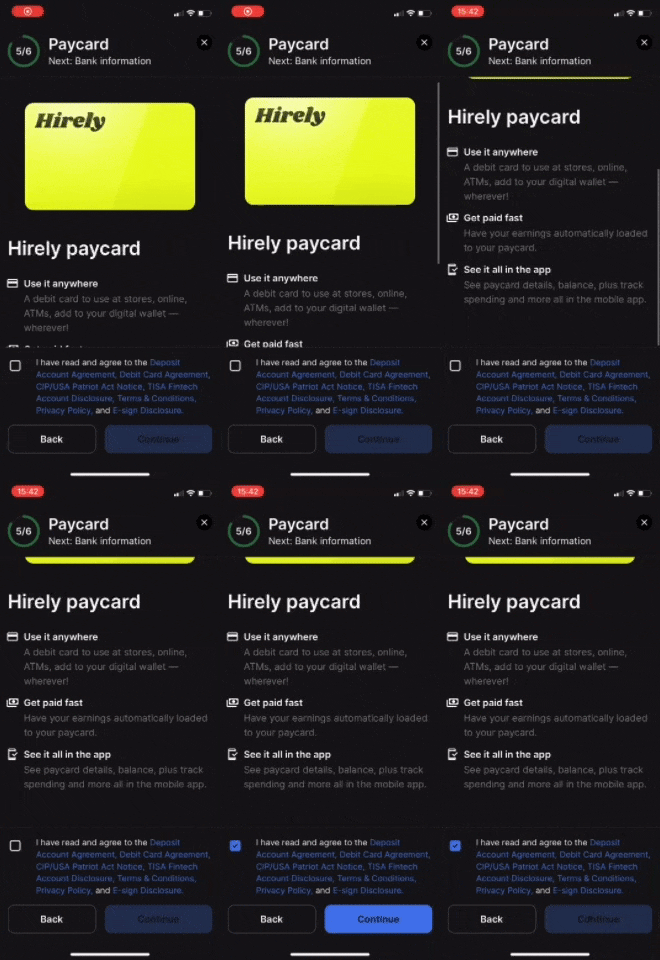
A worker must agree and consent to agreements on the Paycard Enrollment page. Once the agreements are consented to and the onboarding is complete, a paycard will be provisioned for the worker and they will now have "Paycard enabled" on their profile.
Note: If you have not set up SSO in the mobile app, you should also ensure your worker has created an account in Zeal so they can log in to see their paycard details.
Paycards in Mobile App
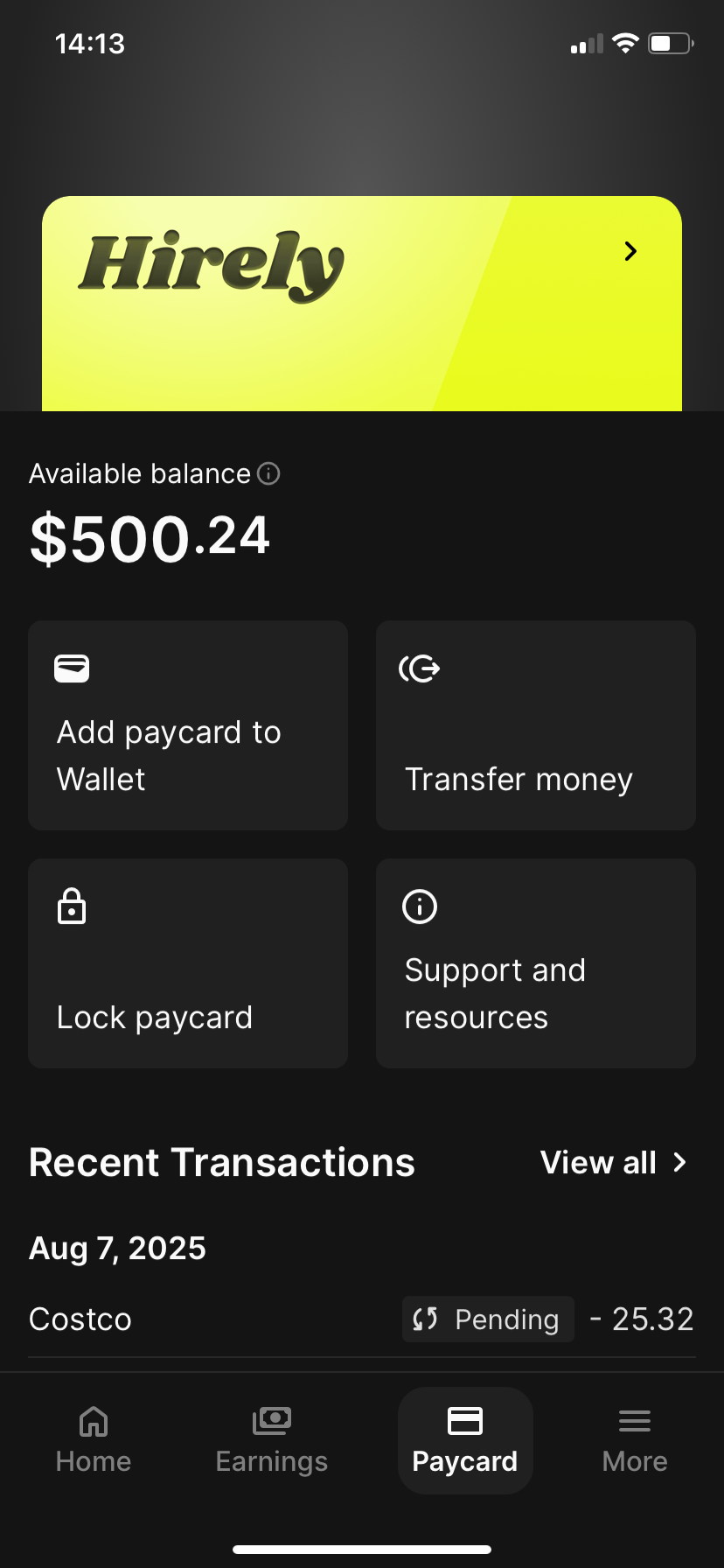
Workers can access their paycard details by logging into their worker dashboard in the whitelabeled mobile app and selecting the "Paycard" screen. On this page, workers can:
View the paycard details
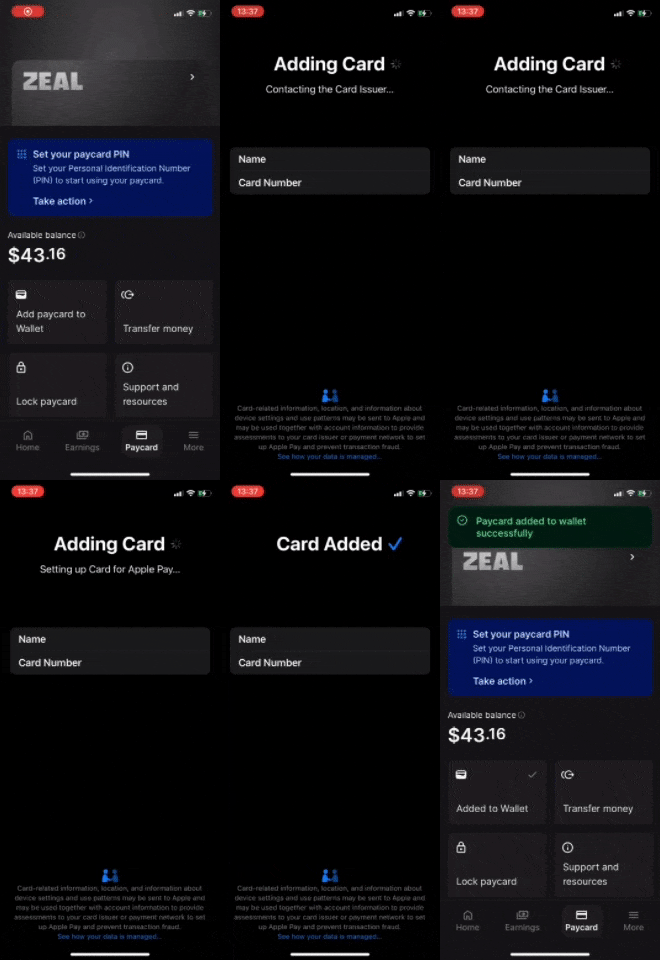
Add the Paycard to digital wallet via in-app provisioning
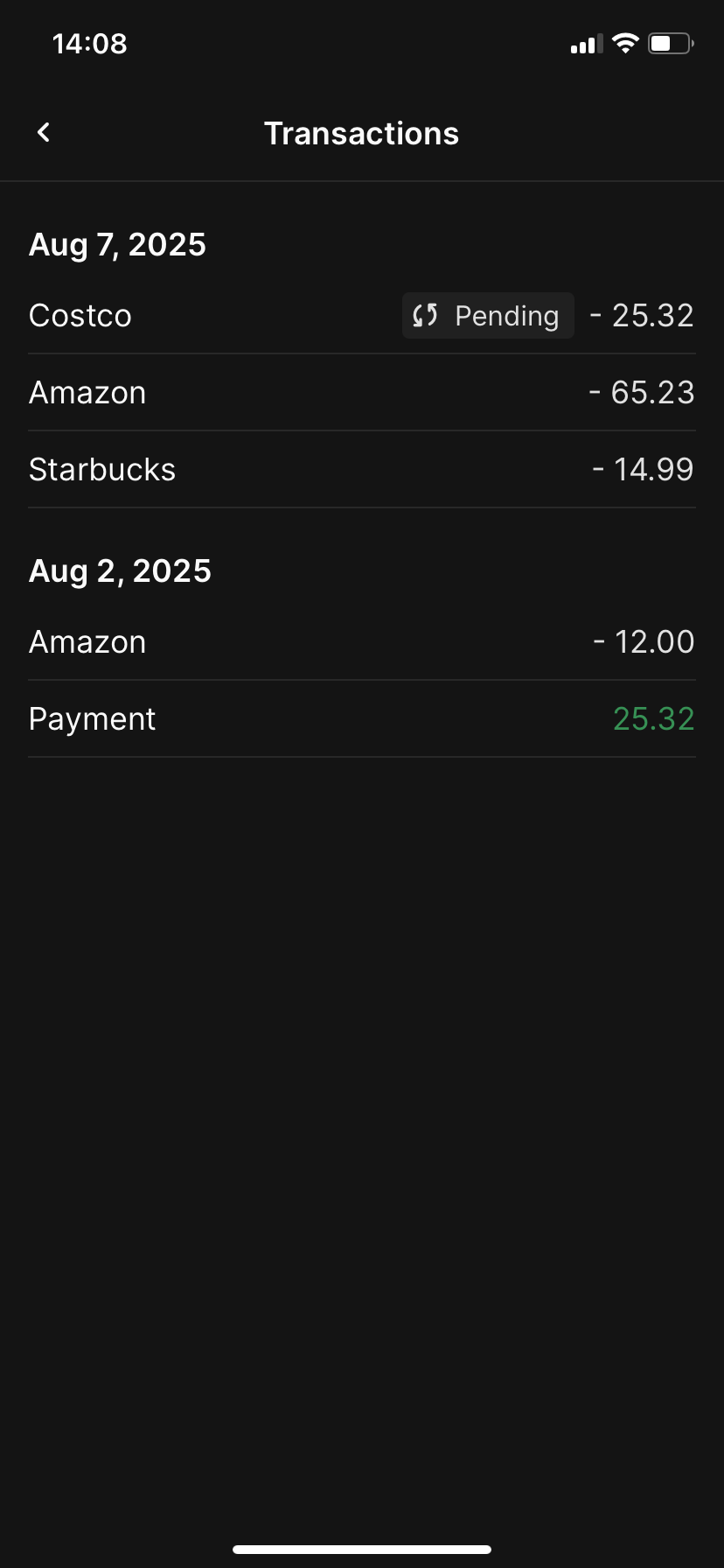
See Transaction History
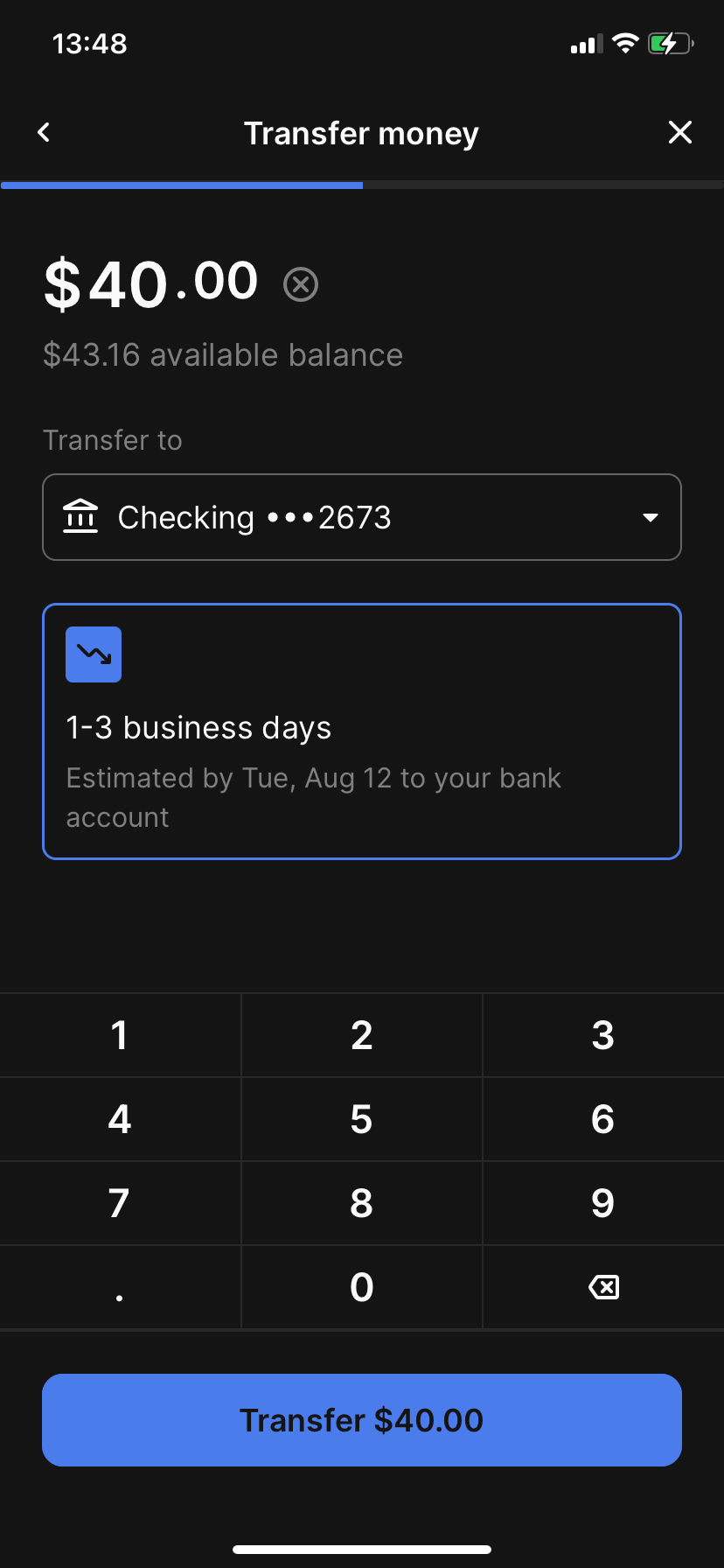
Transfer balance to an external bank account
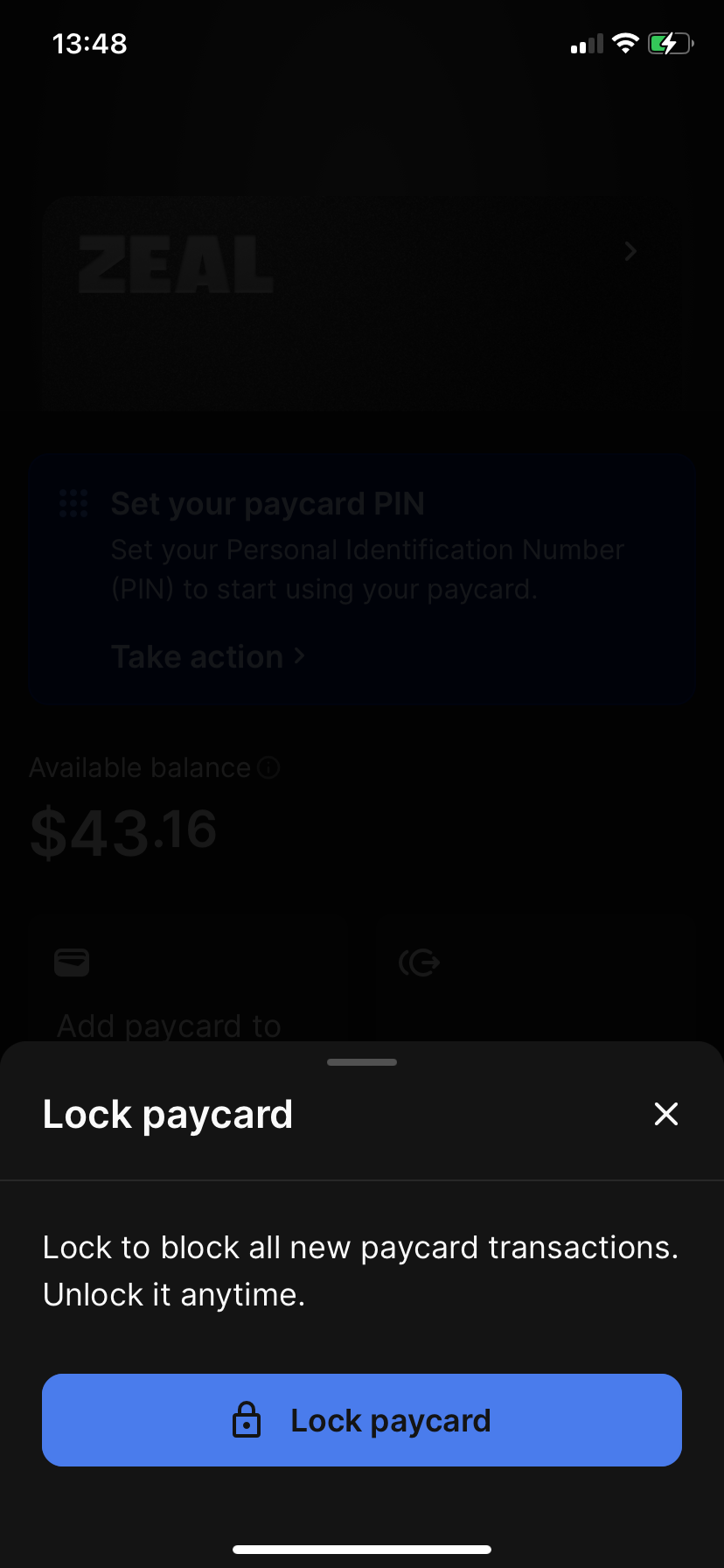
Lock the card
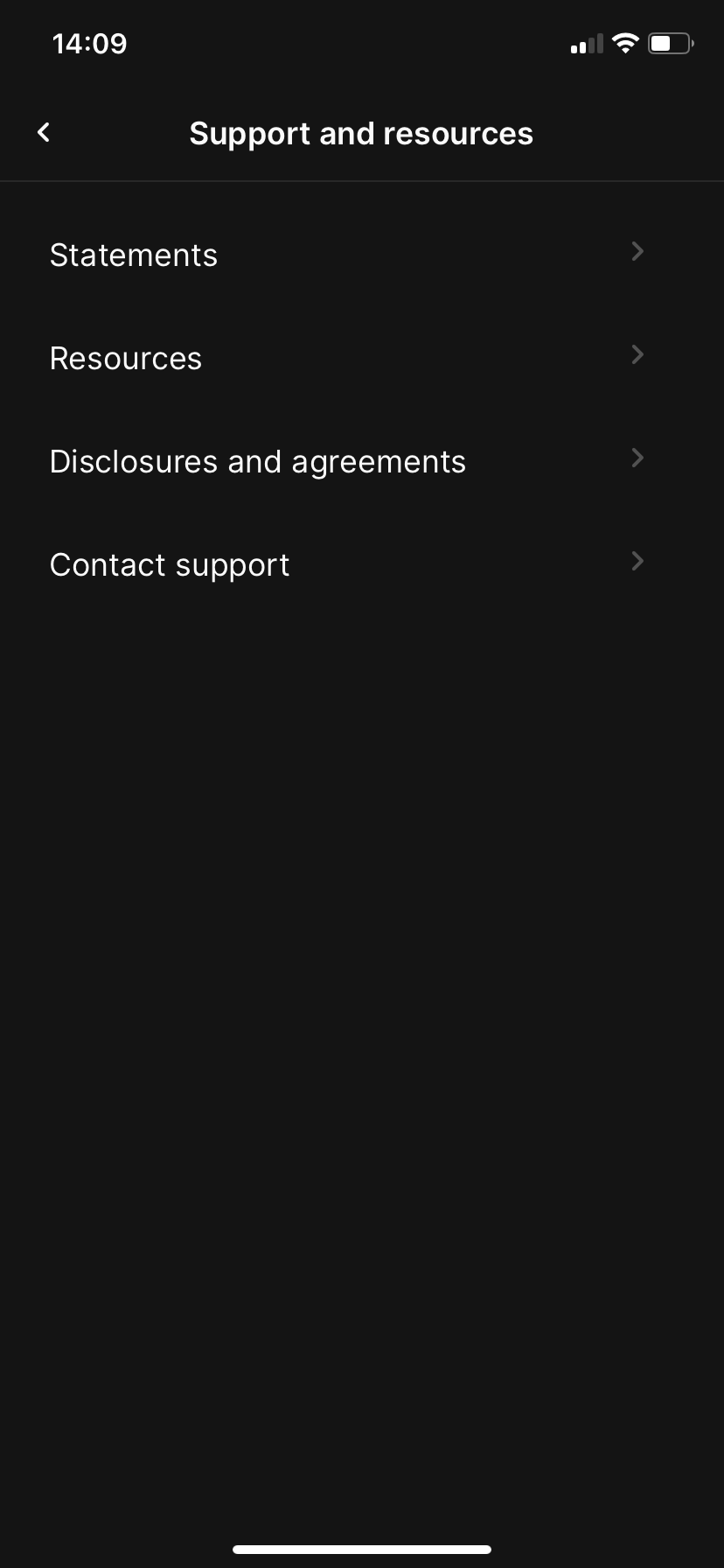
View Statements, Disclosures and Agreement, Contact Paycard support (support in both English and Spanish)
Disbursing to the Paycard
If you wish to have a worker's net pay be sent to their paycard, you can set the Disbursement Method of the employee check or contractor payment to "Paycard".
If the Disbursement Method is set to paycard, the net pay amount will be available on the paycard when payroll is processed (e.g. the balance on the paycard will increase by the net pay amount and a new credit transaction will be shown to the worker).
Note: You cannot use the Paycard disbursement method for a worker that does not have a paycard enabled.
Zeal is a financial technology company, not an FDIC insured depository institution. Banking services provided by Bangor Savings Bank, Member FDIC. FDIC insurance coverage protects against the failure of an FDIC insured depository institution. Pass-through FDIC insurance coverage is subject to certain conditions.
Mastercard® Debit Card is issued by Bangor Savings Bank, Member FDIC, pursuant to license by Mastercard International Incorporated. Mastercard is a registered trademark, and the circle design is a trademark of Mastercard International Incorporated. Spend anywhere Mastercard is accepted.